SakaServer Help Center
Setup instructions for Emby apps & content requests
Setting Up the Emby App
1
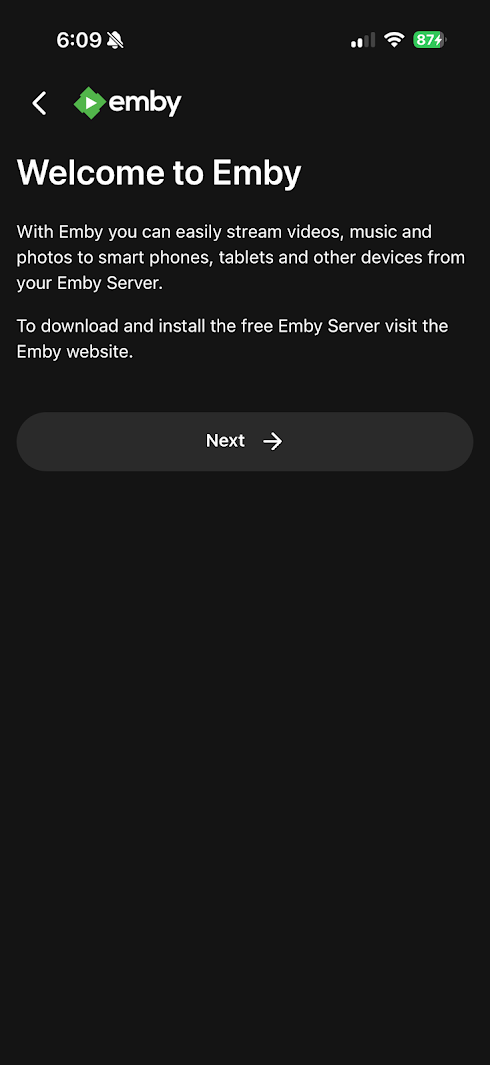
Install & open the official Emby App on your device.
Click Next on the welcome screen.
2
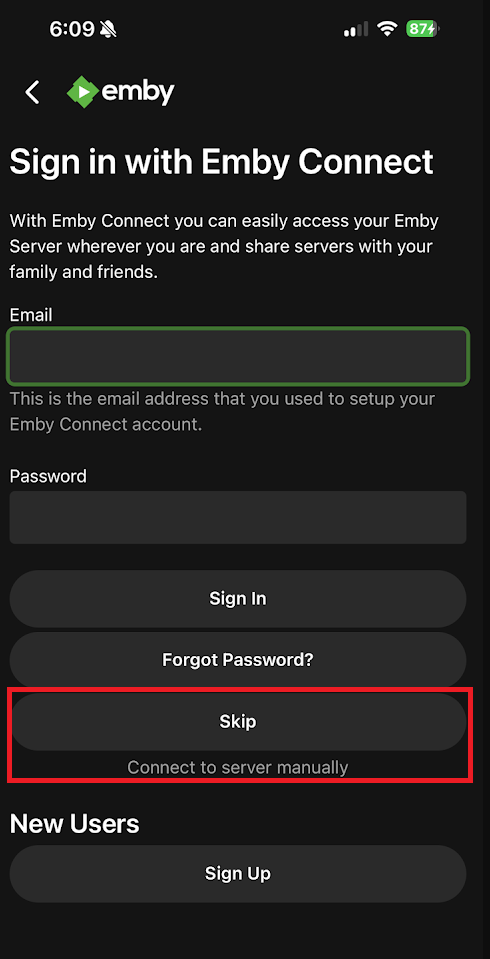
On the Emby Connect screen, click Skip or Connect to server manually.
3
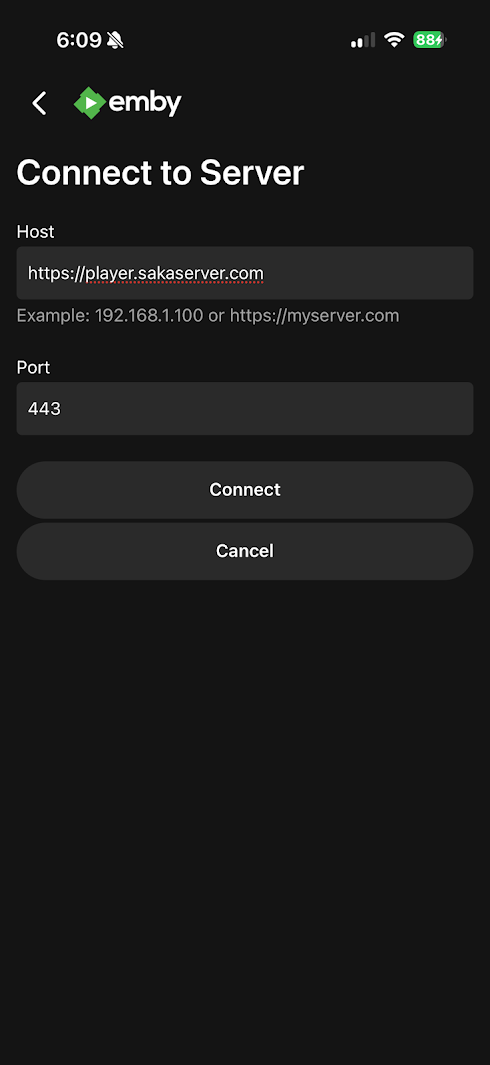
Host:
https://player.sakaserver.com
Port:
443
Then click Connect.
4
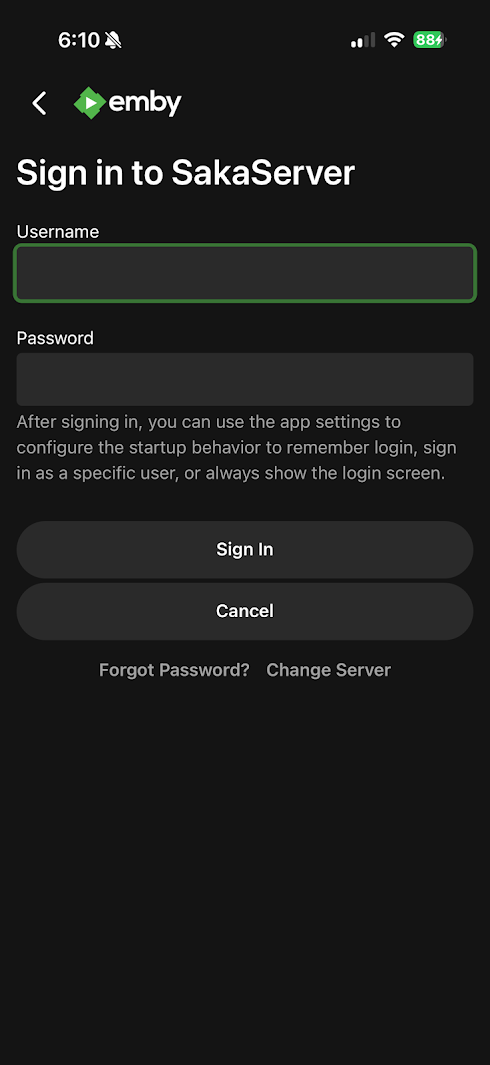
Sign in using your SakaServer Emby credentials to start streaming!
Emby Apps & Supported Devices
Select your platform to view official installation guides and downloads: